First thing to do is not panic. Normally there is a simple solution, so check the basics first:
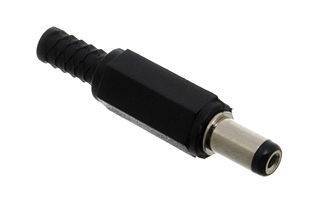
Check the plug (power supply) is properly seated in the mains socket. Swap to another socket or plug in a lamp to double check. At the other end of the lead, make sure the round plug is securely attached to the DROIX®.
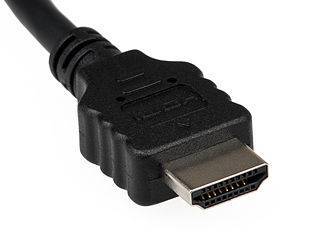
From here, move on to the video cables, again checking at both ends of the HDMI cable to ensure the DROIX® and TV or monitor both have a proper connection present. If possible, try a different HDMI socket on your TV, or temporarily connect the DROIX® to a different TV. If you have an HDMI cable from a Sky box, BluRay player etc then swap it for the DROIX®’s to see if that helps.
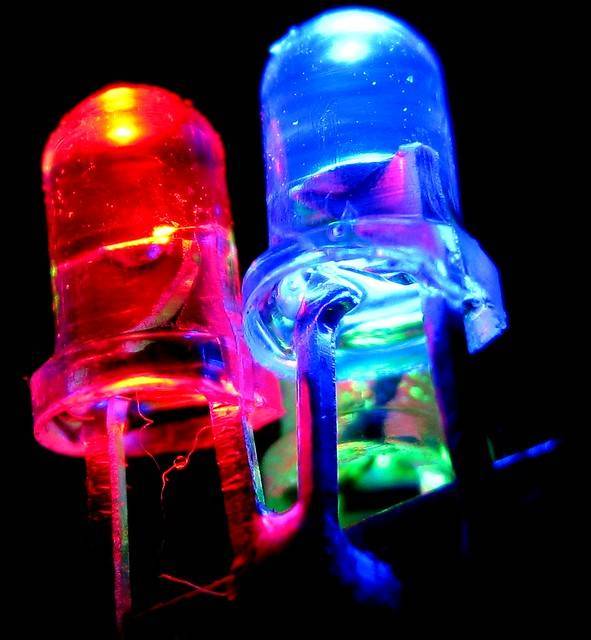
If all of the above have been checked, and your TV is set to view the HDMI input socket that the DROIX® is attached to, please do let us know what is happening (including the status of any LEDs) via support@DroiX.co.uk including your order details.