Hello! We at DROIX recently launched the ever-popular Retroid Pocket 2, so we thought it’d be helpful to put together a little guide to help you get started!
How do I access the Retroid OS?
The Retroid OS is a handy application that can be used to expand the functionality of your device in an easy way without the need to configure/manage your games/emulators with as much scrutiny as you normally would.
Ensure that the stock SD card that comes with the Pocket 2 is inserted into your system.
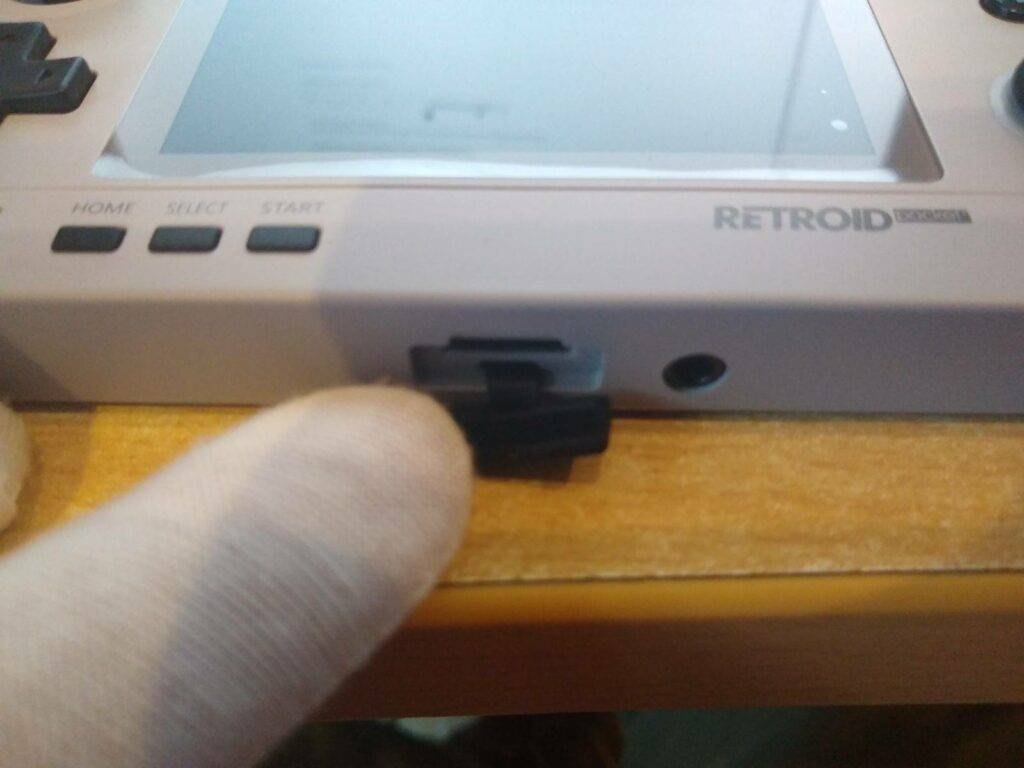
It’ll be located underneath this rubber flap!
Connect the Retroid Pocket 2 to the internet. You can do this by selecting Settings → Wi Fi and inputting your Wi-Fi credentials as you would any other electronic device.
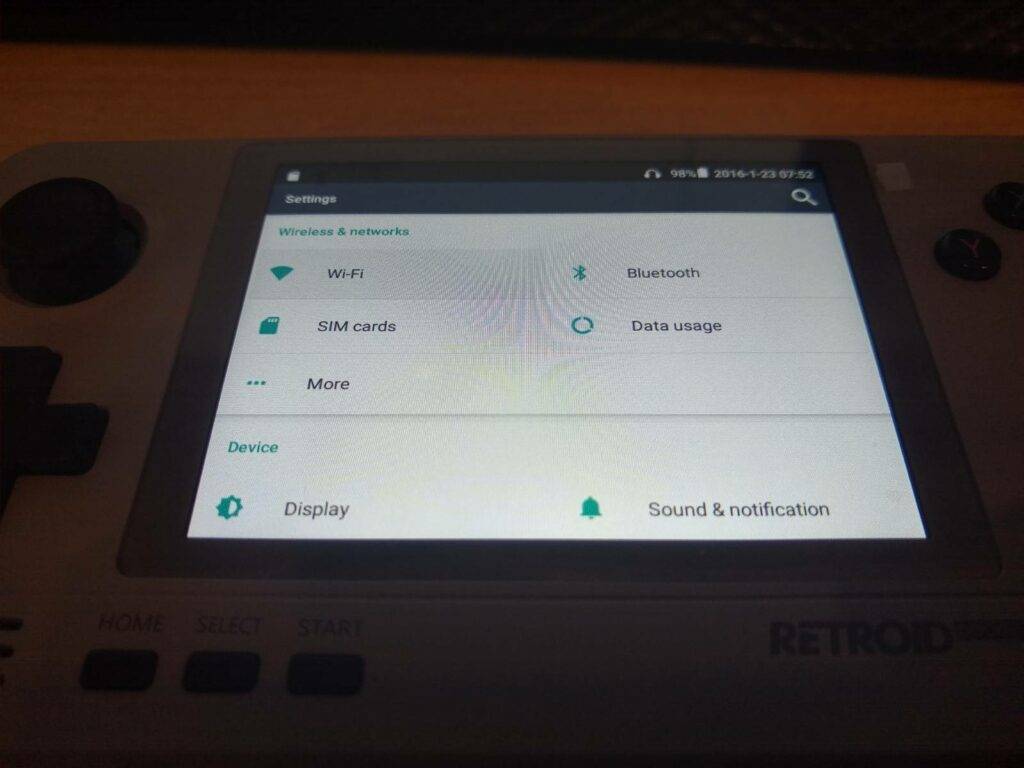
Press the “A” button to toggle the Wi-Fi on, then give it a brief moment for the list to populate.
Once you are connected to the internet, go back to the main screen (press the HOME button) and open the list of apps by selecting the white circle with six dots in it.
Select “Toolbox” from the list of installed apps.
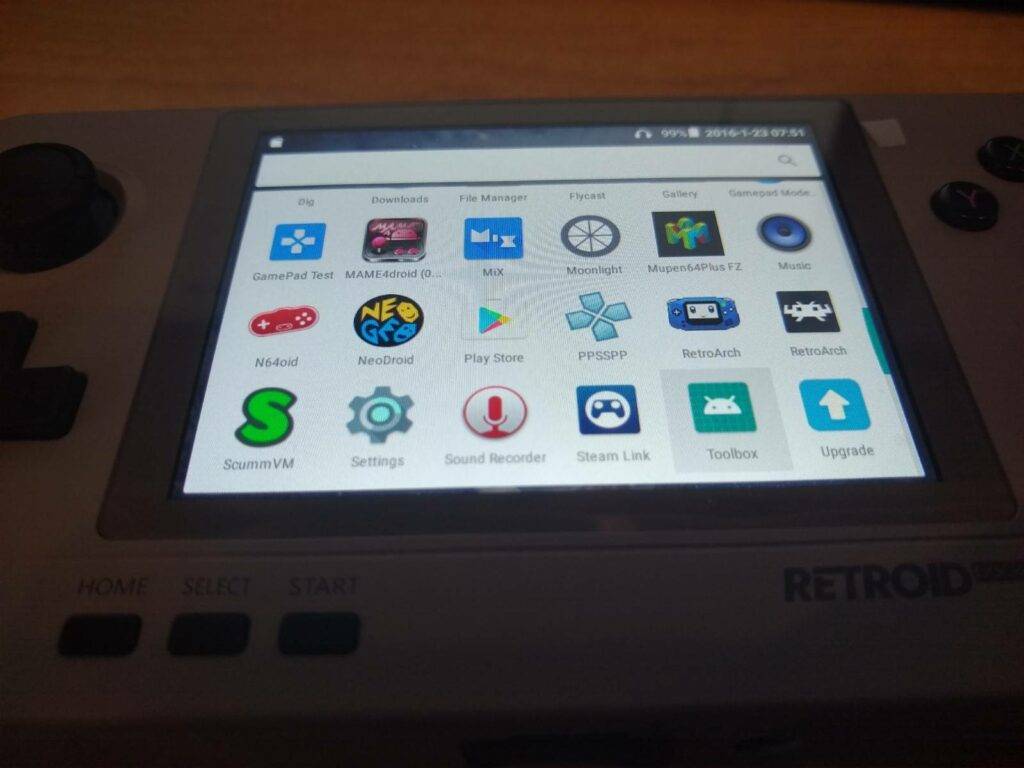
You’ll need to scroll down a little.
Select “Install Retroid Pocket App”. The app will the install.
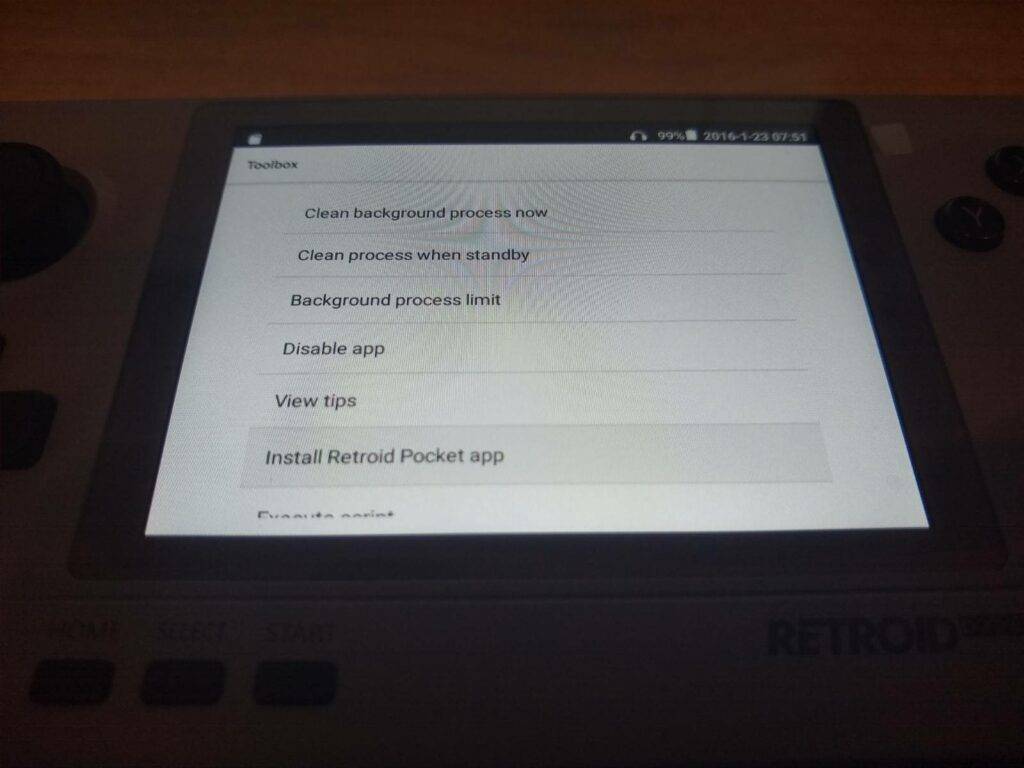
Make SURE that the SD card is inserted, and that your device is connected to the internet at this point.
Once installed, go back to the list of installed apps, and select the new “Retroid” app that has appeared.
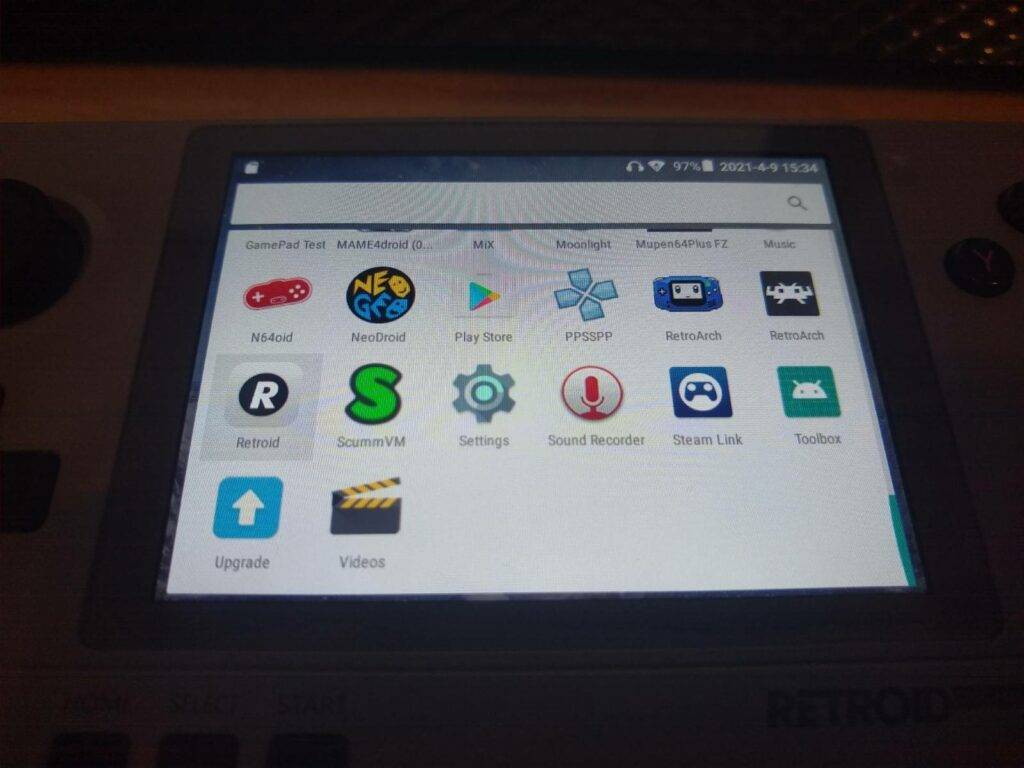
Keep an eye out, it’s rather inconspicuous looking.
It will ask you to “Reboot to Retroid Pocket system”; select OK.
You will now be in the Retroid operating system and can take advantage of it’s many features!
How do I change the input mode?
The Retroid Pocket 2 supports two input modes. One where the buttons act as if you are using a gamepad, and one where the buttons control a touch/mouse indicator on the screen.
To switch between these modes, hold the HOME button for about one second. You will know you have changed modes when a notification appears in the centre of the screen indicating so
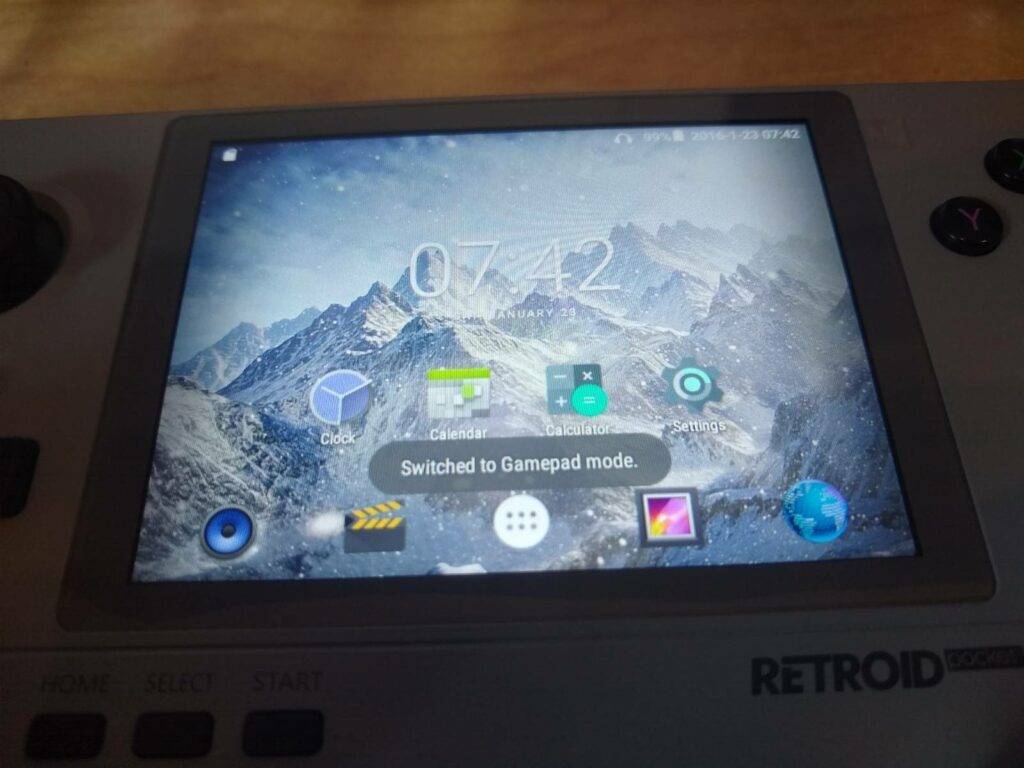
Some may find Gamepad mode easier, others may find touch mode easier. Try both!
How do I download more emulators?
The great thing about running Android is that it is an easy process to add more emulators to the system.
To do so, simply open the Play Store. Sign in with your Google account, and download apps as you would on an Android Box or mobile phone.
To do so, open the Google Play Store from the list of installed apps.
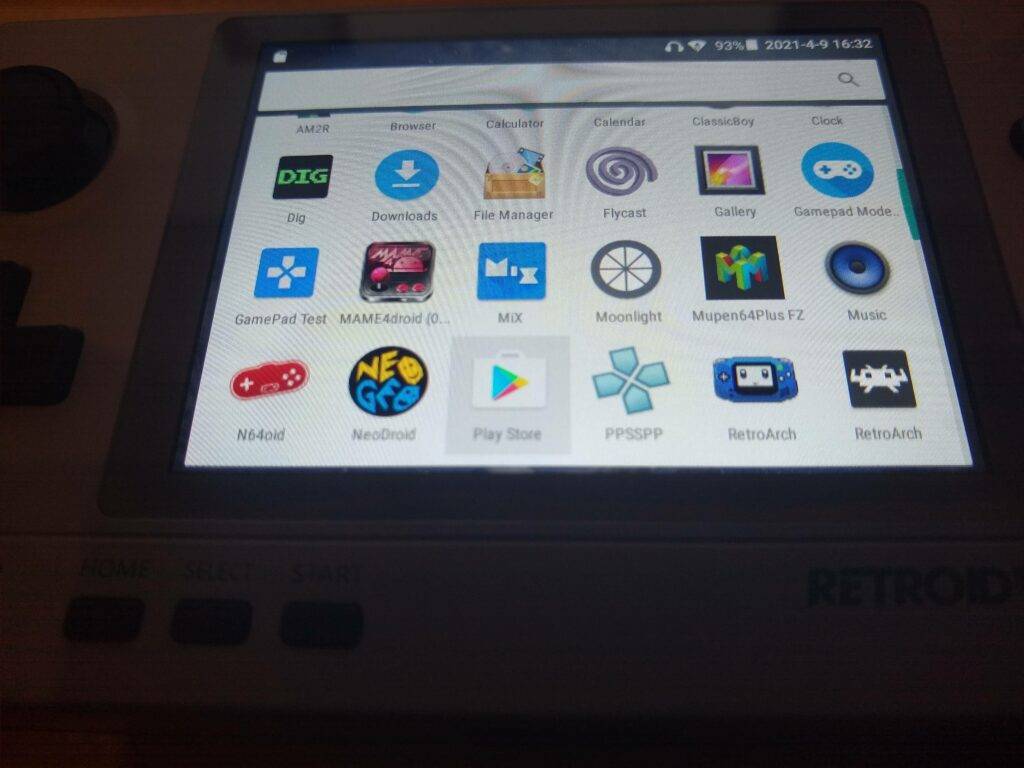
The RP2 already comes with a bunch of emulators already installed, so you probably won’t need to do this anyway.
You’ll then go through the login process for the Google Play store, which just involves you inputting your google account details (email address and password). If you don’t have a google account, you will need to make one.
I want use a larger SD card in the Retroid Pocket 2!
If you change the SD card in the unit, either to use a larger one or otherwise it is highly reccomended that you load the SD card up with the essential stock files that come with factory-fresh units.
We have a post on our forum with a download link here to these essential files: https://droidboxforums.com/threads/stock-sd-card-for-retroid-pocket-2-download-link.22039/
How do I update the Retroid Pocket 2 to Android 8.1?
Please see our guide here:
https://droix.net/knowledge-base/retroid-pocket-2-update/