Here are several ways to control your TV wirelessly that installed Android mini PC:
1. USB Mouse and Keyboard
Connect a mouse and/or keyboard to your DROIX® device, via USB. If you run out of sockets, you can connect a USB hub to your DROIX® model.
Pros: It is convenient to read news online or type a lot of text in this way, and it is a familiar control mechanism.
Cons: There are too many wires. The distance from your TV is governed by the length of your mouse/keyboard’s USB cables.
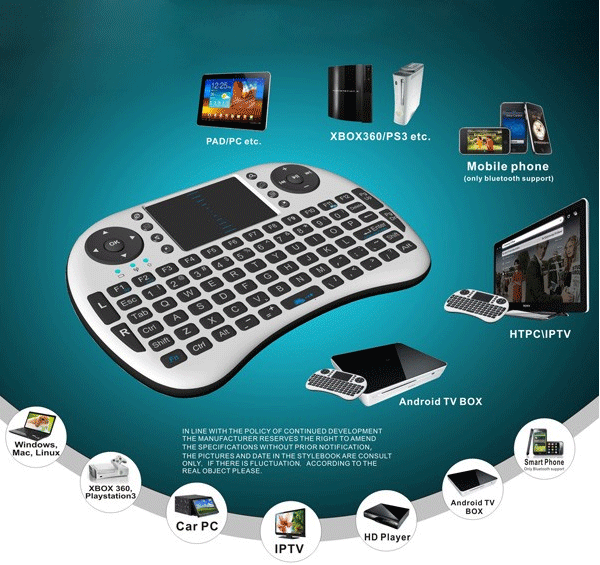
2. 2.4GHz Wireless Mouse and KeyboardPlug in the USB dongle (receiver) to your DROIX® device and it is ready to use (check if your mouse/keyboard requires pairing first).
Pros: No worry about the wires. Control without any wires, depending upon the range of the dongle. See also 1.’s ProsCons: Not as convenient to control, whilst sitting on your sofa.
3. 3-in-1 Air Mouse and KeyboardA 3-in-1 air mouse like the DroidBOX® VIP Remote or multi-controller DROIX® i8 combine the function of mouse and keyboard. It’s convenient to type and scroll up or down.
**Pros: Media shortcut buttons are often available. No wires.**Cons: It can be a little uncomfortable to type large amounts of text.
4. Control via phone appSeveral of our models allow an Android smartphone or tablet to control them, including all the functions of mouse and keyboard. It enables you to change interfaces with ease. Check out the video below to know how to control your DROIX® with an simple Android phone app known as Smart iRemote app.