If you have encountered issues with Kodi, DBMC or SPMC, this video will guide you through how you can fix them using our DROIX® Control Centre app.
This app was designed with DROIX® devices in mind. Using it on another Android device is never going to be an officially supported avenue. It shouldn’t do anything bad, but if your dog drives off in your new car and the cat eats your budgerigar, DROIX® won’t be held responsible.
You can look at the application’s Play Store entry here – https://play.google.com/store/apps/details?id=uk.co.droidbox.control_center&hl=en_GB
If you’ve not used the Play Store before, please have a read of https://droix.net/first-run-of-googles-play-store/ . Once you have signed in, you will be able to initiate installations of applications from your main computer’s browser.
For a quick preview of the application’s abilities, please check the gallery below:
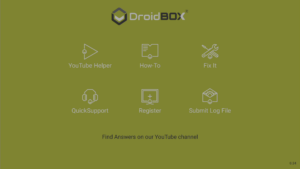
DroidBOX® Control Centre
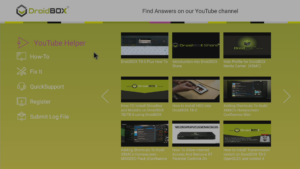
YouTube Helper
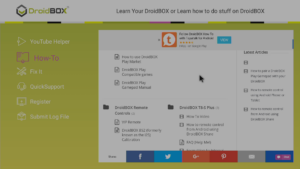
How-To Guides
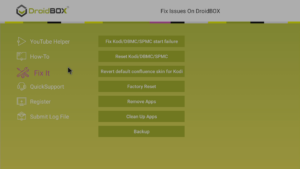
Fixing Kodi and other apps
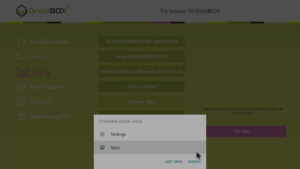
If asked, select the Apps entry
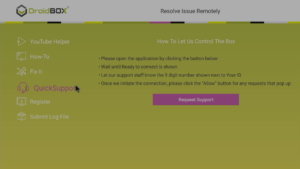
Need remote help? Click and then contact us
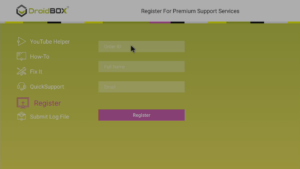
Registering your product
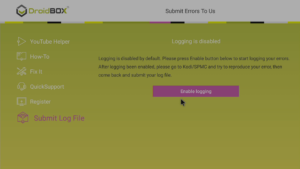
Logging can help trace issues
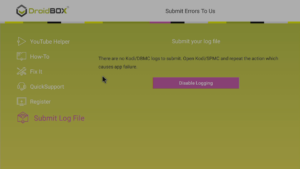
Logging has been enabled
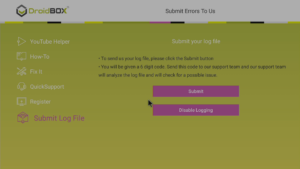
Enabled and logs now exist
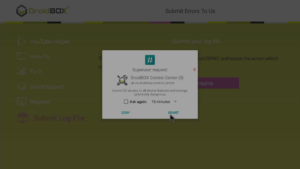
Some fixes will trigger this one off request
Confirmation the Grant button was clicked quickly enough